
For prescribing physicians
Understand the referral, medical necessity documentation, order form, and fax submission steps needed for a patient who may be appropriate for the MyoPro®.
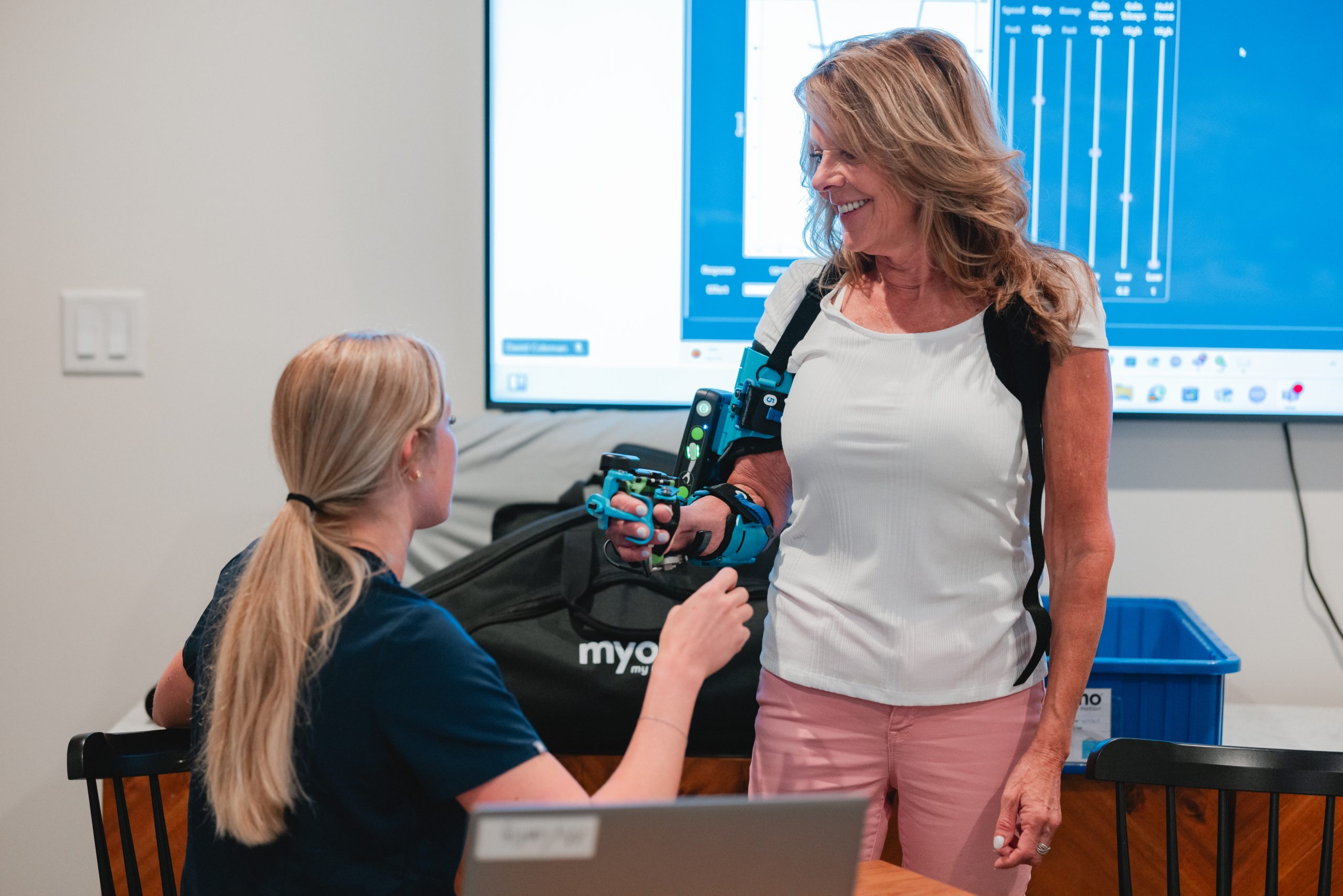
Documentation submission
Once the face-to-face progress note, standard written order, and patient face sheet are complete, submit all documentation by fax.
Physician workflow
Evaluate the patient for medical necessity for the MyoPro® and document the clinical need in the progress note.
The progress note should contain sufficient information to support medical necessity and the patient’s functional need.
Download or open the required form, complete the information, save or print the completed form, and submit it by fax to 888-314-3671.
Documentation resources
Physician-facing guide for the MyoPro® prescription and documentation process.
Open Prescription Guide →Use this guide to understand the clinical documentation needed to support medical necessity for coverage review.
Open PDF →Used to document the physician order for the MyoPro® Motion-G configuration.
Open Motion-G SWO →Used to document the physician order for the MyoPro® Motion-W configuration.
Open Motion-W SWO →Final submission step
Once the face-to-face progress note, standard written order, and patient face sheet are complete, submit all documentation by fax.
Browser support for direct fax links may vary. The fax number is shown above for manual submission.
Need support?
Get help with medical necessity documentation, order forms, or fax submission steps.
Request education for your team on MyoPro® candidate recognition, referral, and documentation workflows.
Connect with Myomo for questions about potential candidates, referral next steps, or local support.
Patient referral
Refer the patient online or submit referral documentation by fax using the number below.